Time
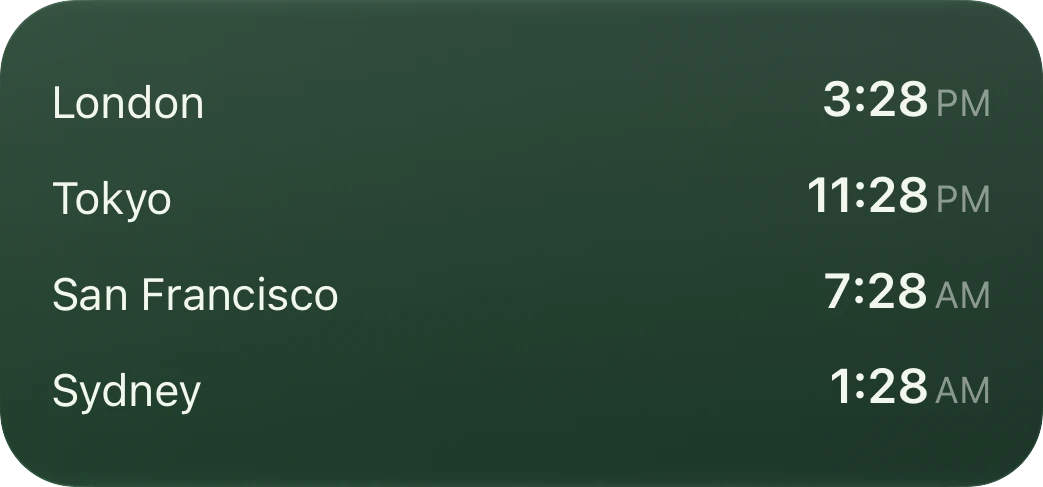
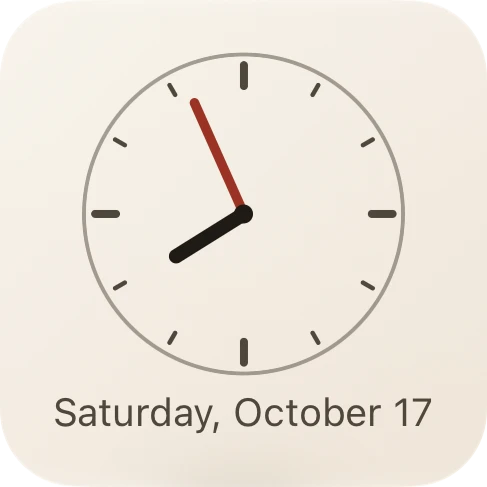
4 elementsA month with today marked, a clock face, or every city you care about with its time.
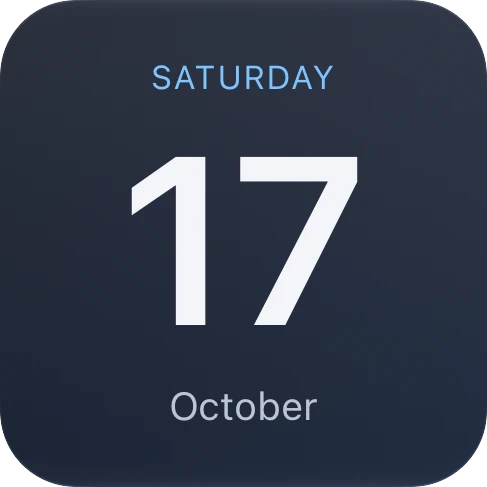
- Date
- Digital Clock
- Analog Clock
- World Clock
Widgets for iPhone and iPad
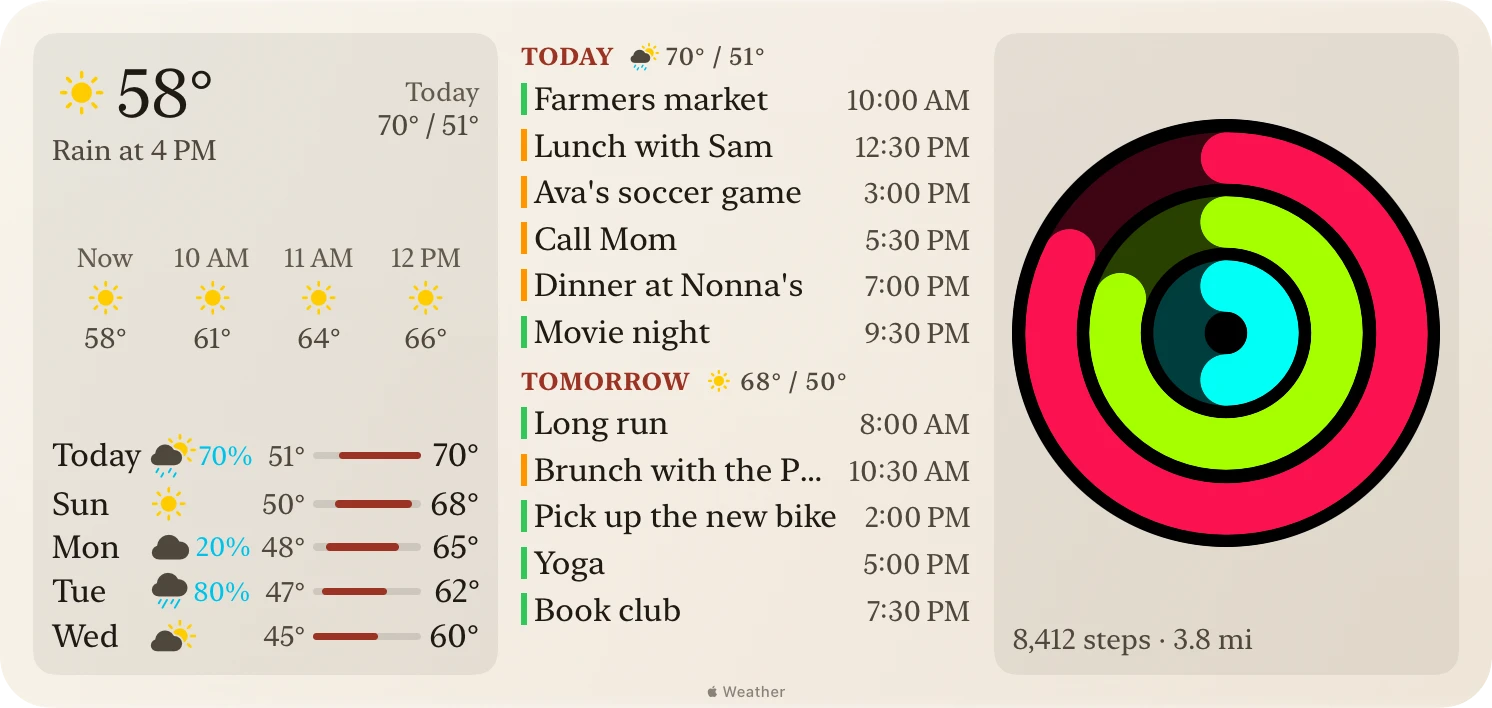
Your next meeting, the rain at 4, your rings, the time in London: the things you check together, side by side in one widget instead of spread across your Home Screen. Pick a layout, then fill each zone with what you want.
For iPhone and iPad with iOS 27. No account, no sign-in.
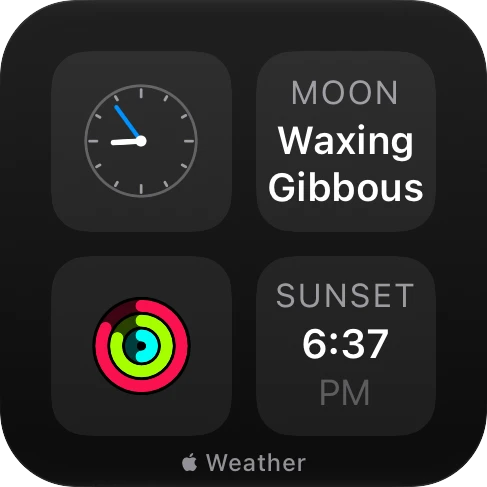
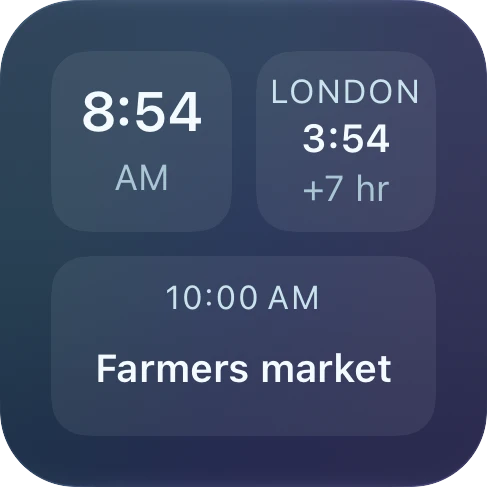
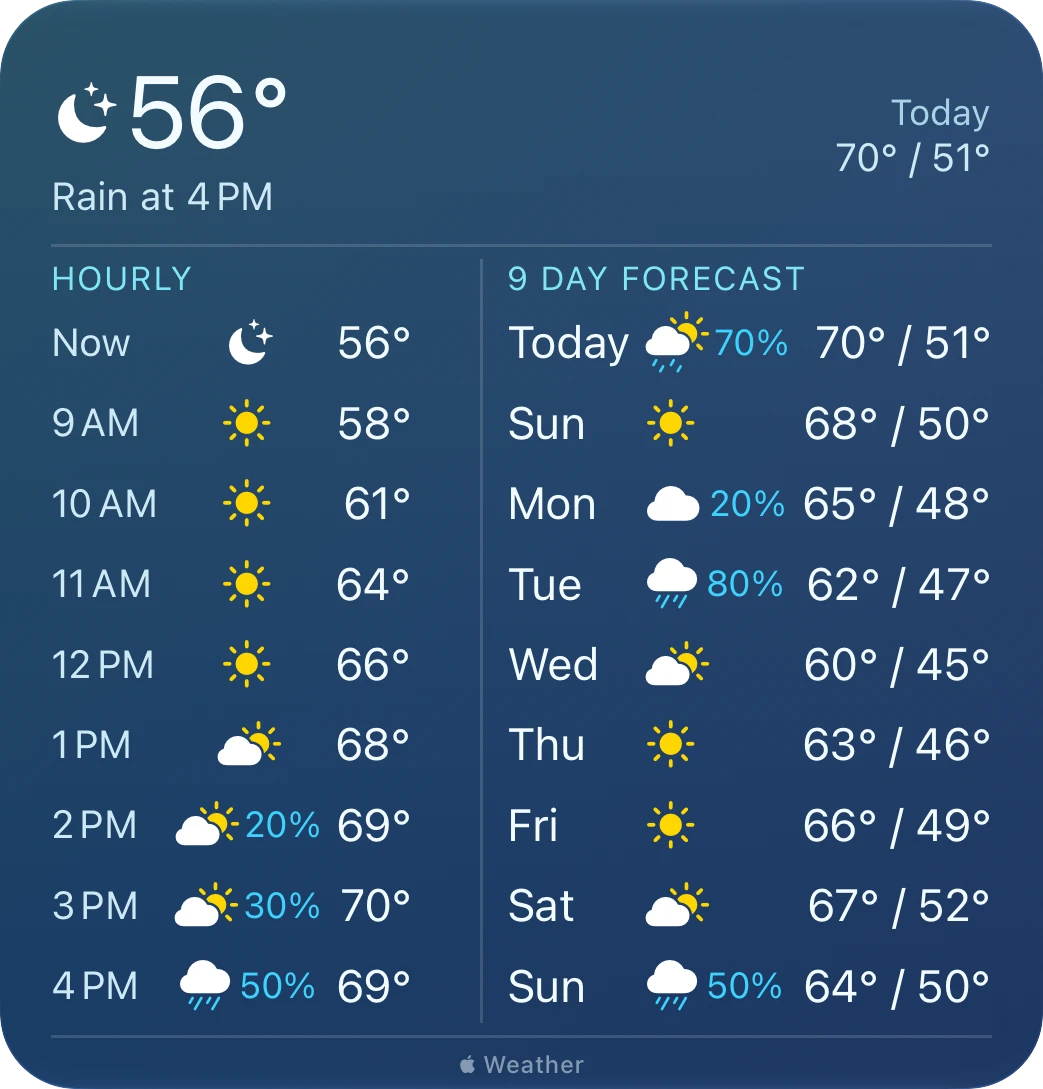
Hundreds of thousands of ways to fill one Small widget.
Tens of millions for a Medium, and hundreds of billions for a Large: more than you could try in a lifetime. That's before you pick one of 10 themes, light or dark, and 4 fonts.
Counting each thing at most once per widget, in a zone it fits, and where it sits.
Mosaic and the widgets you have
They do it well. But a morning takes three or four of them: the date, the weather, and where you need to be by nine, each from its own app and in its own style. Mosaic puts them in one widget, in the order you choose, in half the space.
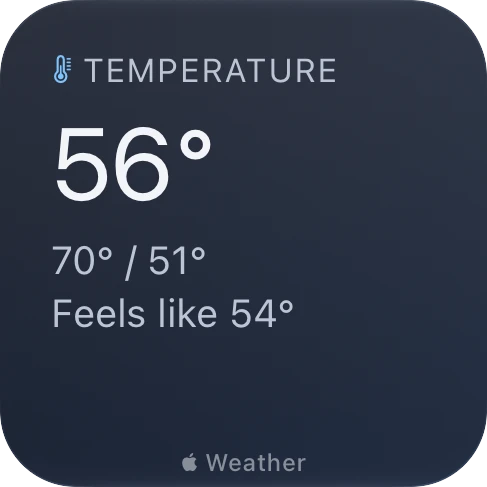
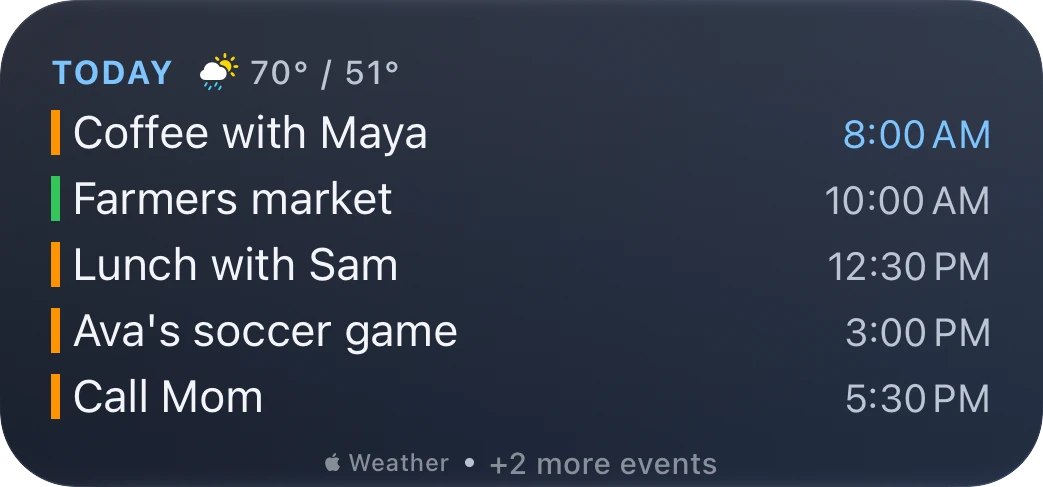
| The widgets that come with iPhone | Mosaic |
|---|---|
| One app in each widget | Up to 15 things in one widget, 18 on iPad, from 9 categories |
| The app decides what's shown | You choose what goes in every zone. A new widget starts empty, so it shows only what you put there. |
| Each in its own app's style | One theme and font across all your widgets, or one widget its own |
| One arrangement for each size | 27 layouts across 5 sizes |
| Each app's widget set to a city on its own | Give a widget a place, and its weather, sunset, date, and time all follow it |
Examples in every size
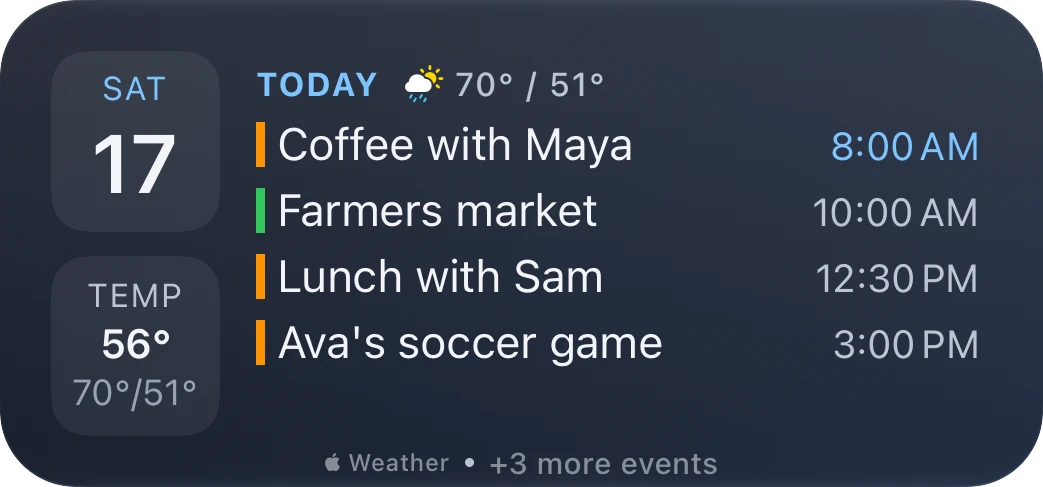
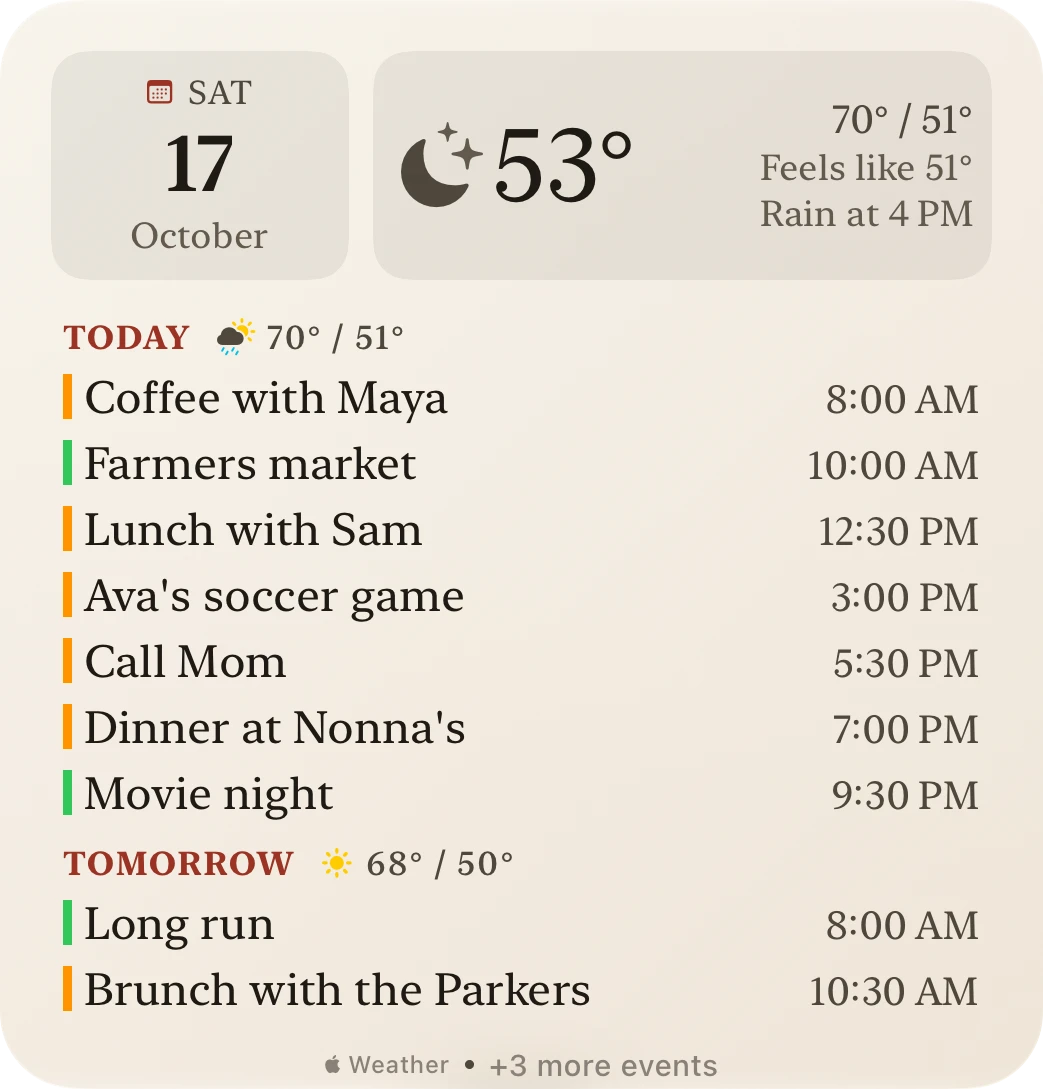
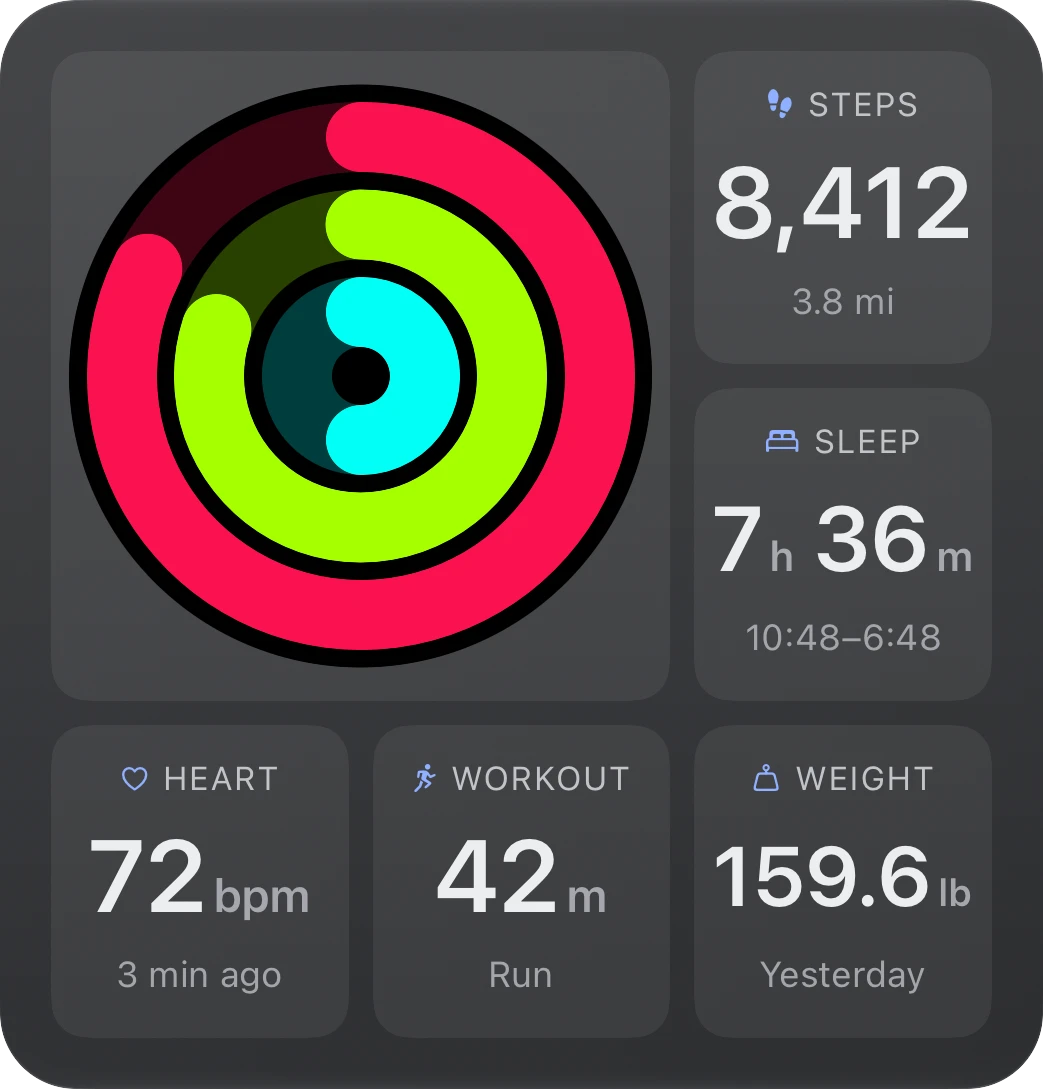
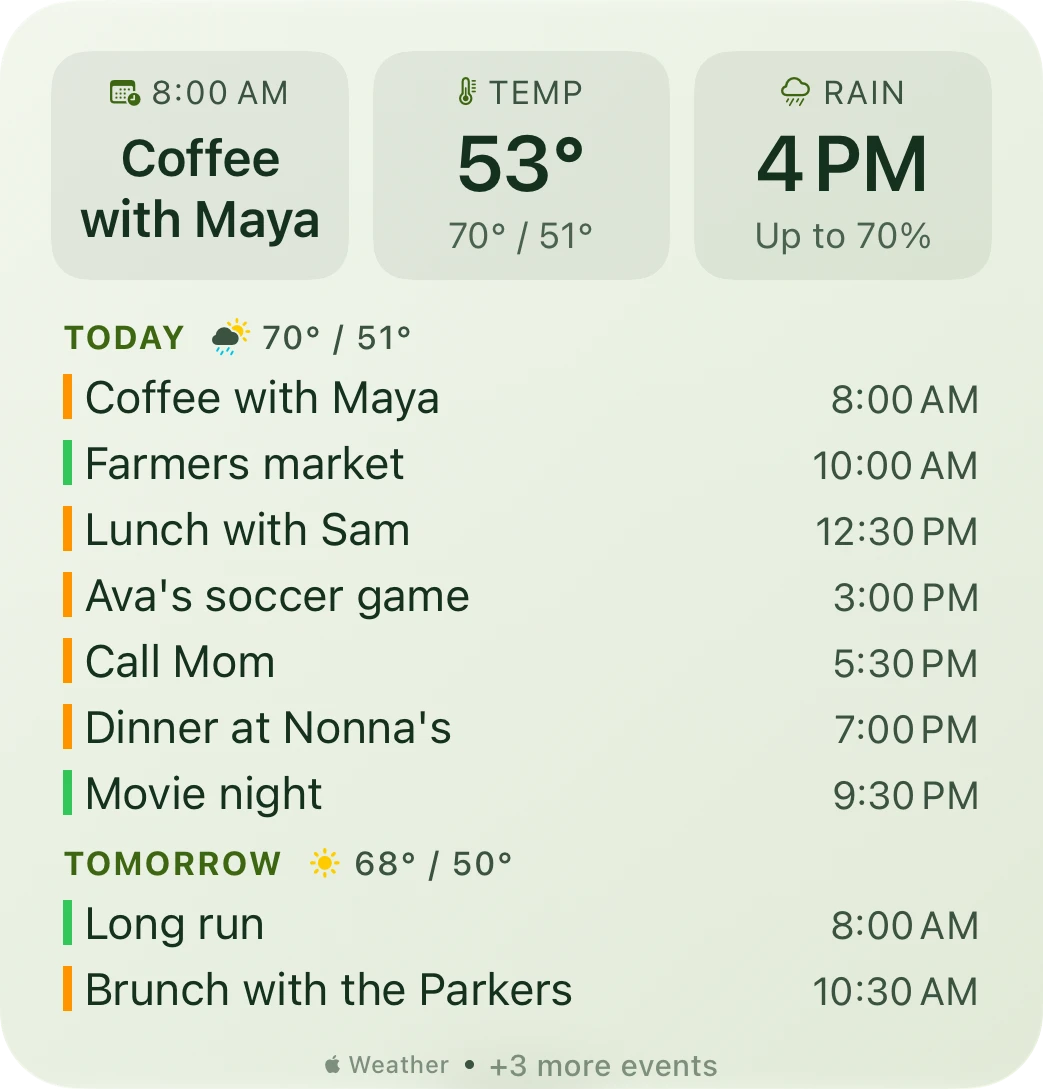
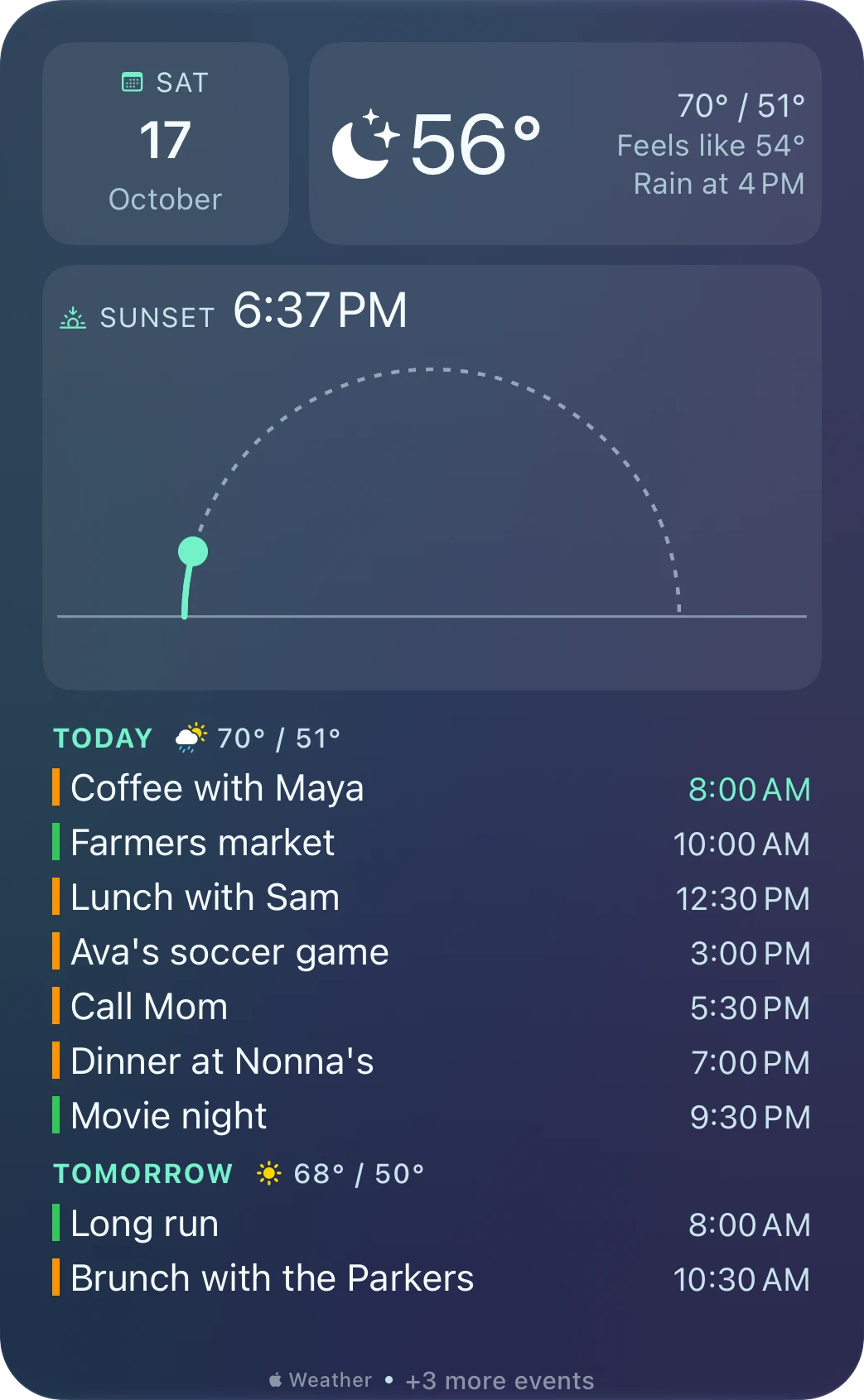
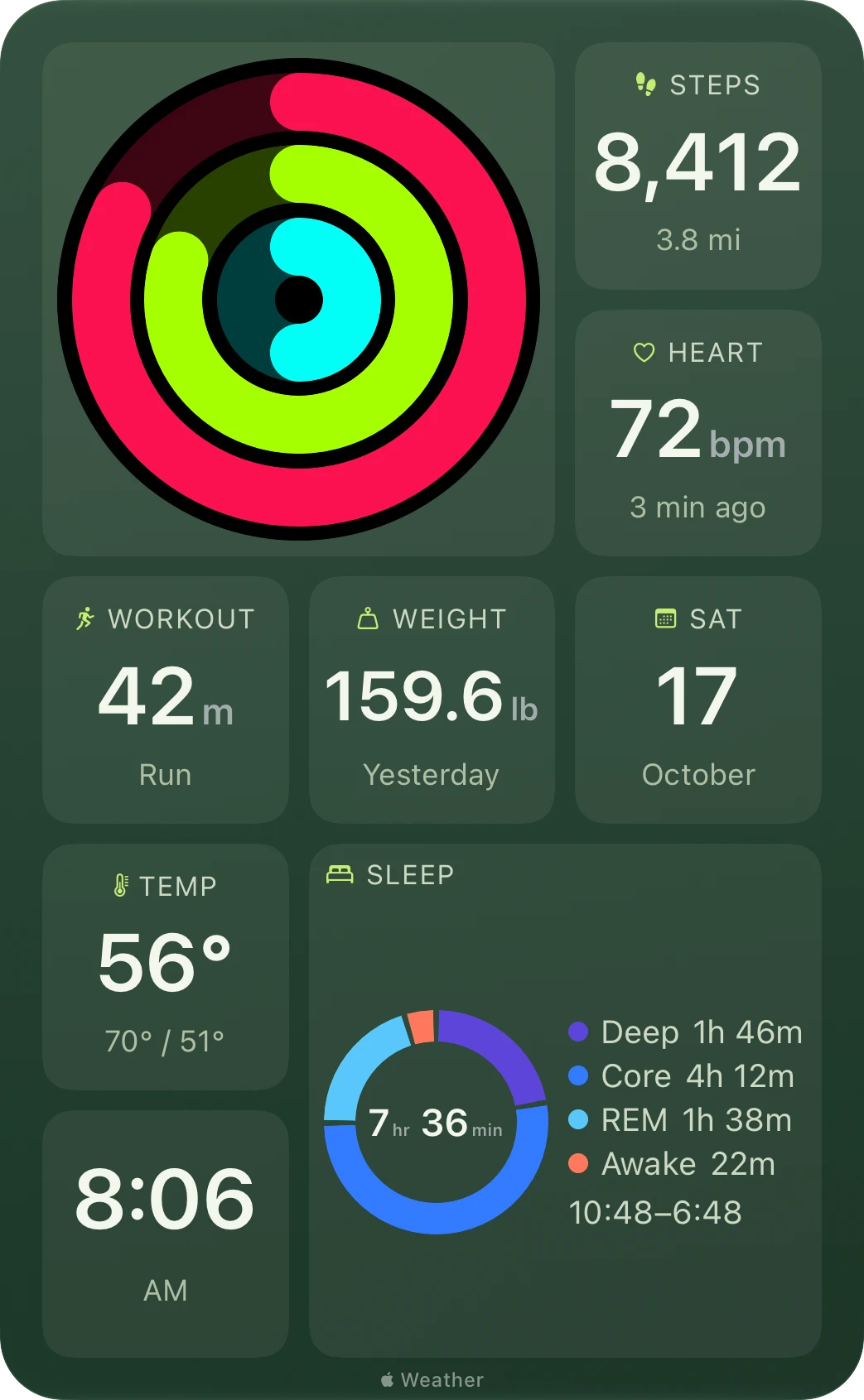
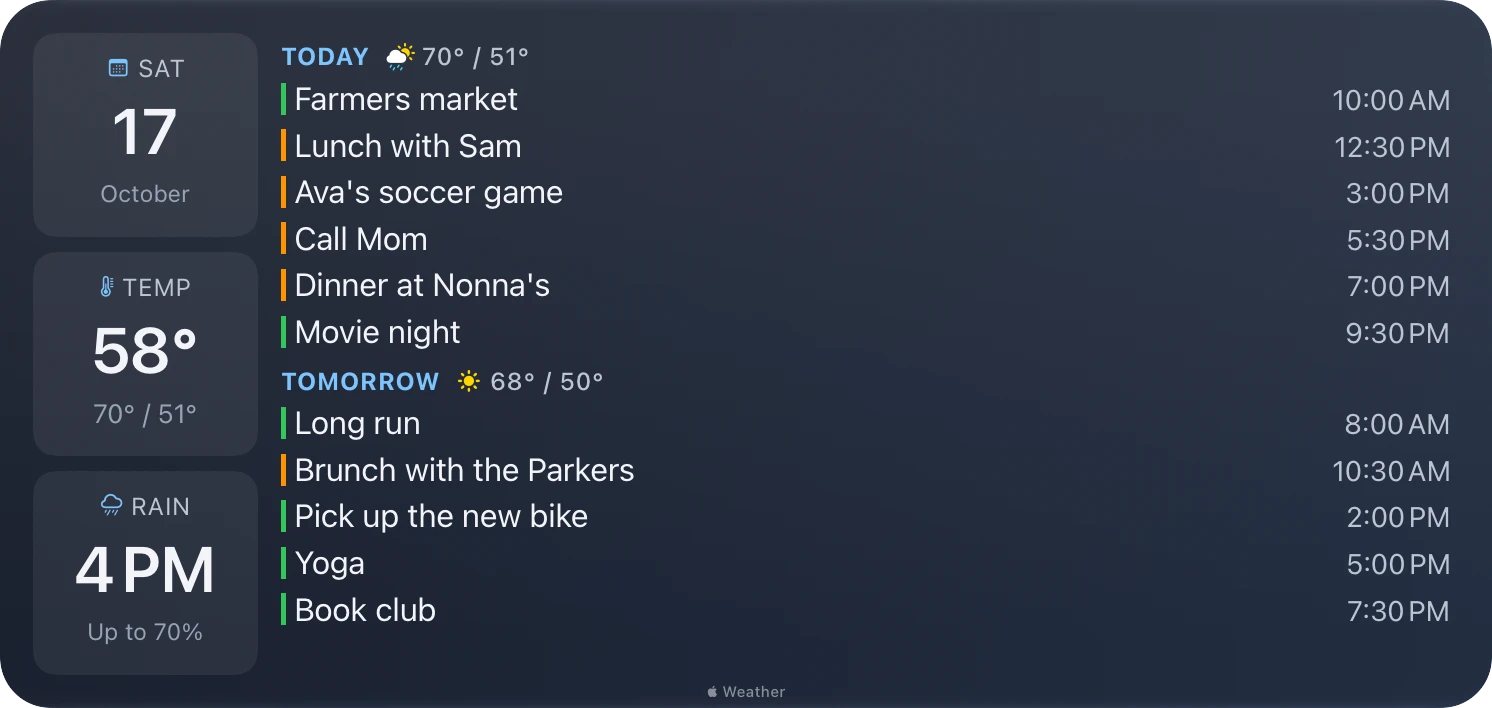
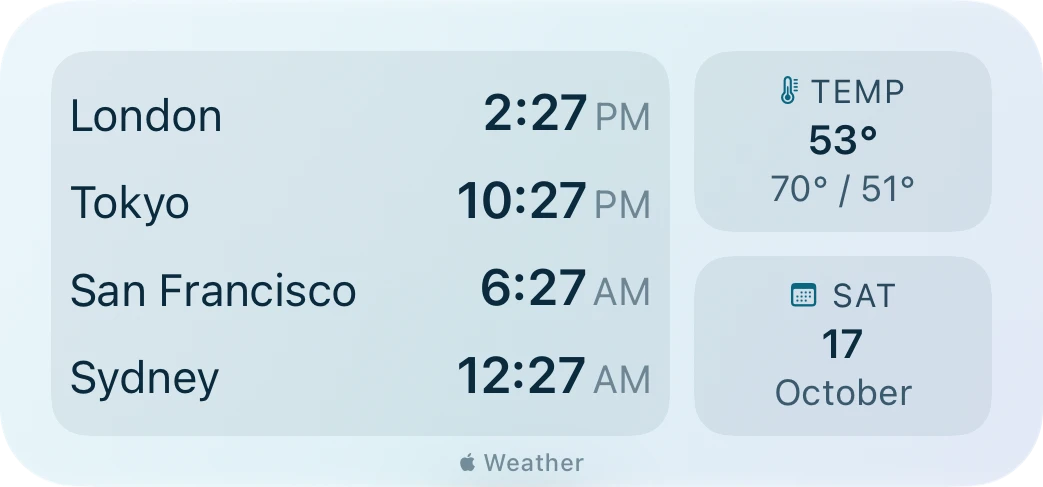
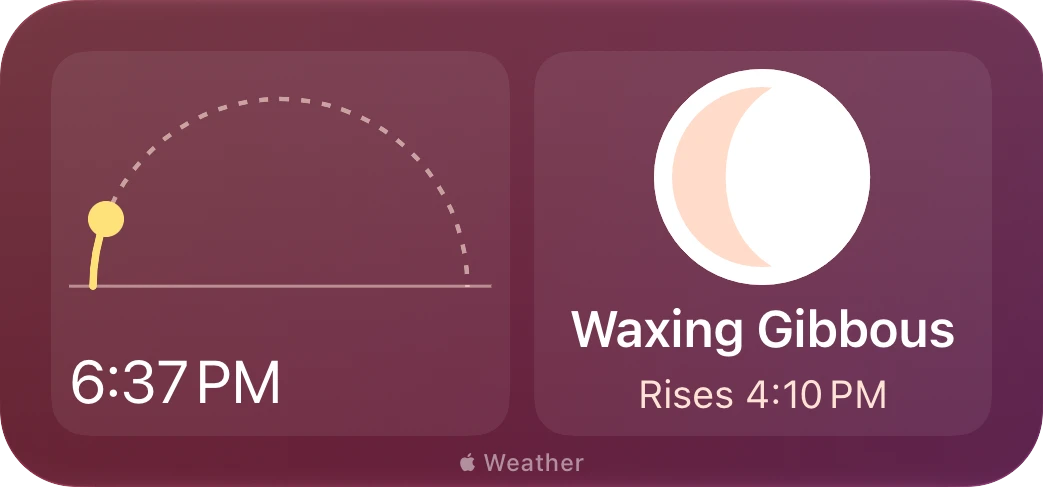
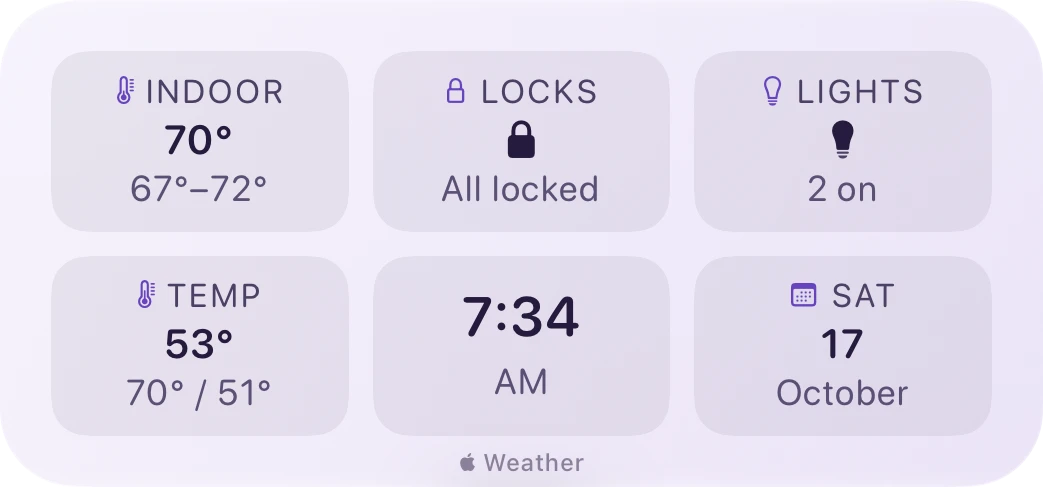
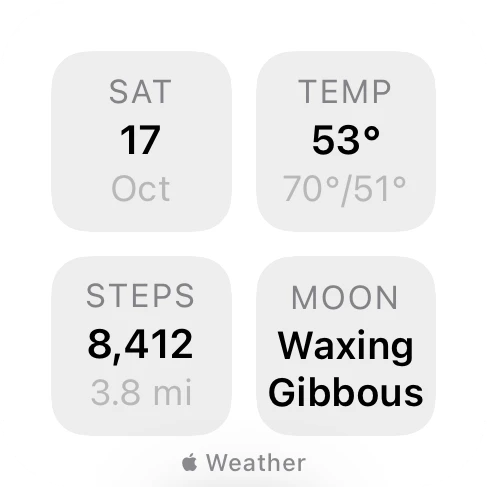
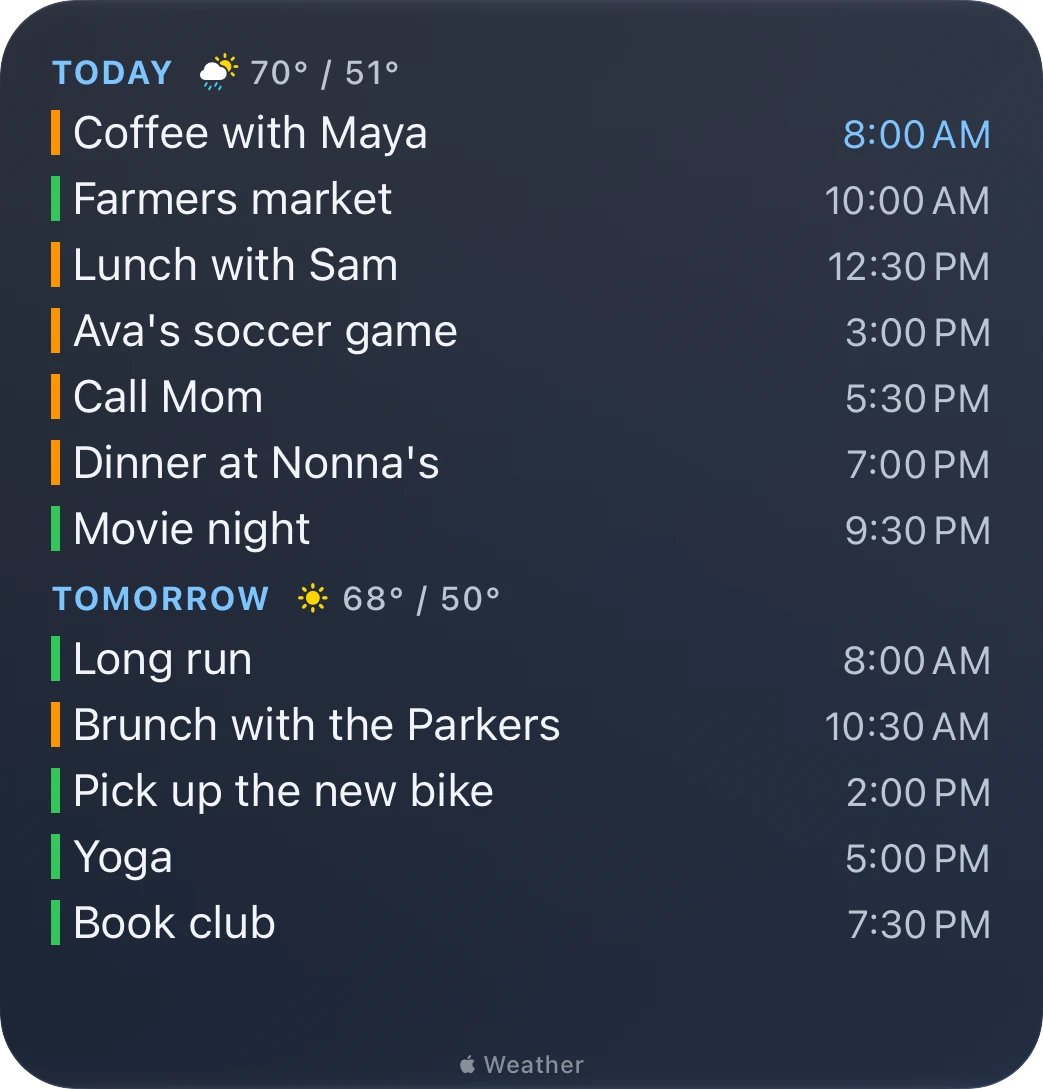
Some widgets worth copying, in all five sizes. Each zone holds whatever you choose, and a zone made transparent lets its content sit right on the widget, as the agendas do here. Every picture is a real widget, drawn by Mosaic.
How it works
Small, medium, large, and extra-large widgets each come in several layouts: one big zone, a panel beside a list, halves, a band over a list, a tower, or a grid of tiles.
Every zone starts empty, so a widget shows exactly what you choose. Each zone offers only what fits it, grouped by category, with search.
Pick a theme and a font for all your widgets, or give one widget its own. Make zones transparent, and give a widget its own place so its weather, sky, and time follow.
Nine categories
Each zone offers what fits it, grouped by category, with search. Put several in one widget, or give one thing the whole widget: where a built-in widget shows a number and a symbol, a Mosaic element with room fills it with what you'd otherwise open an app to find.
A month with today marked, a clock face, or every city you care about with its time.
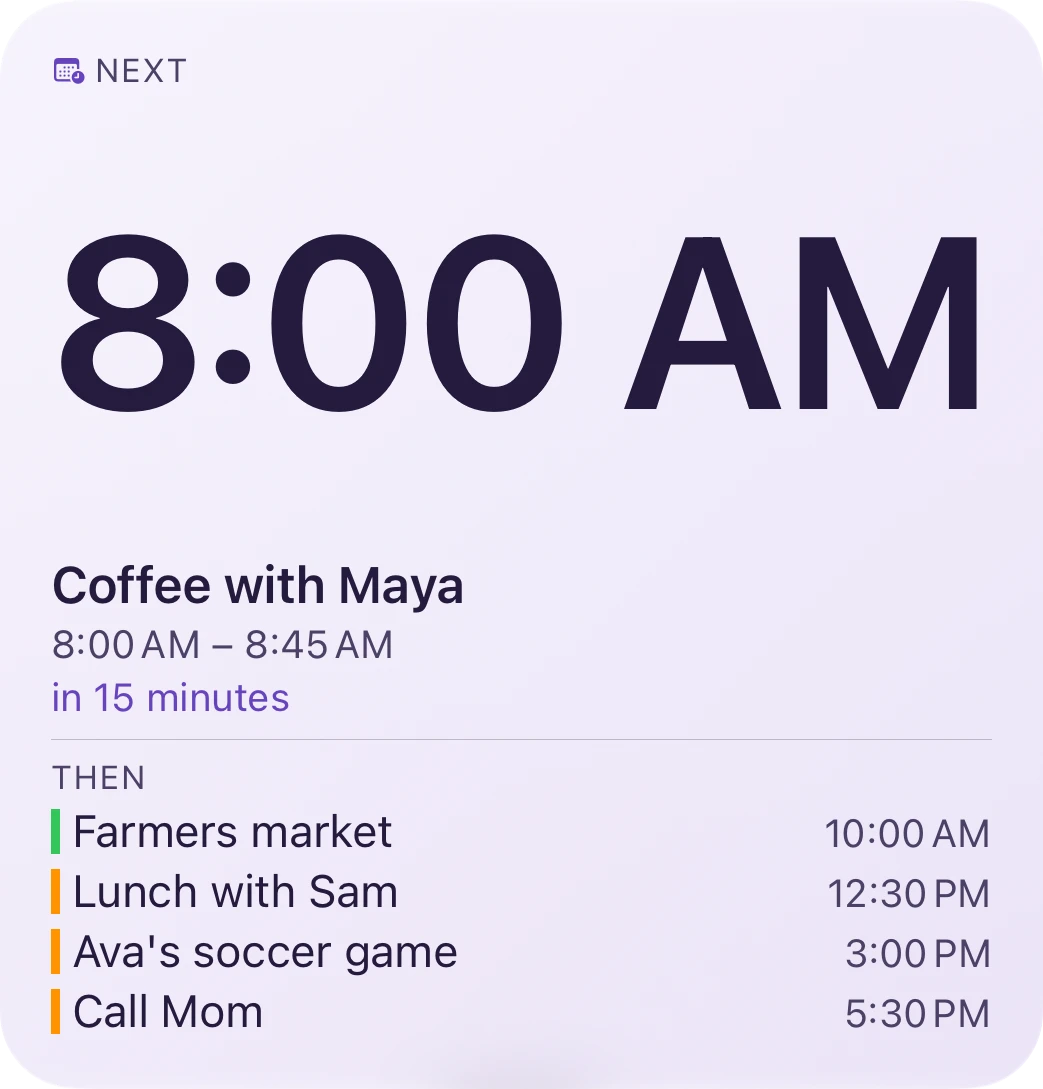
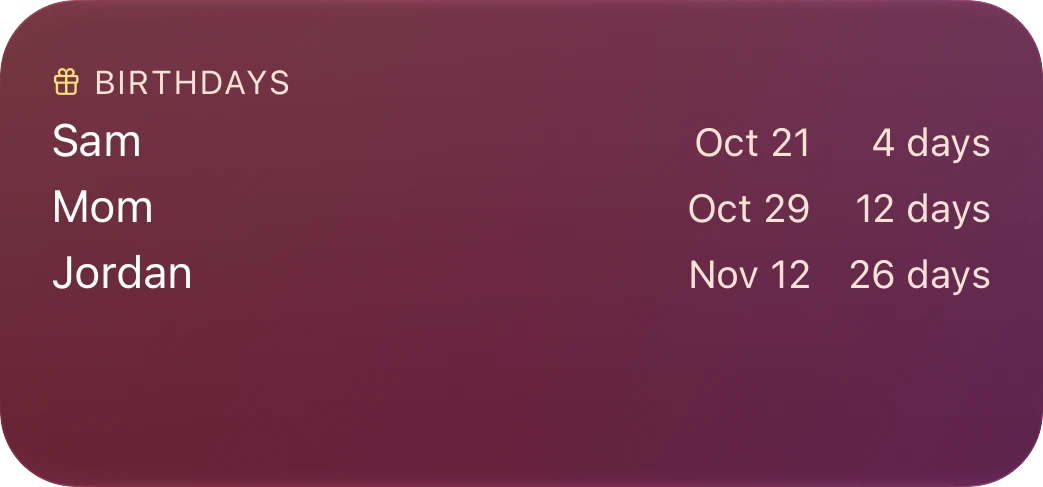
Your days of events with each day's forecast, a countdown to what's next, and the birthdays coming up.
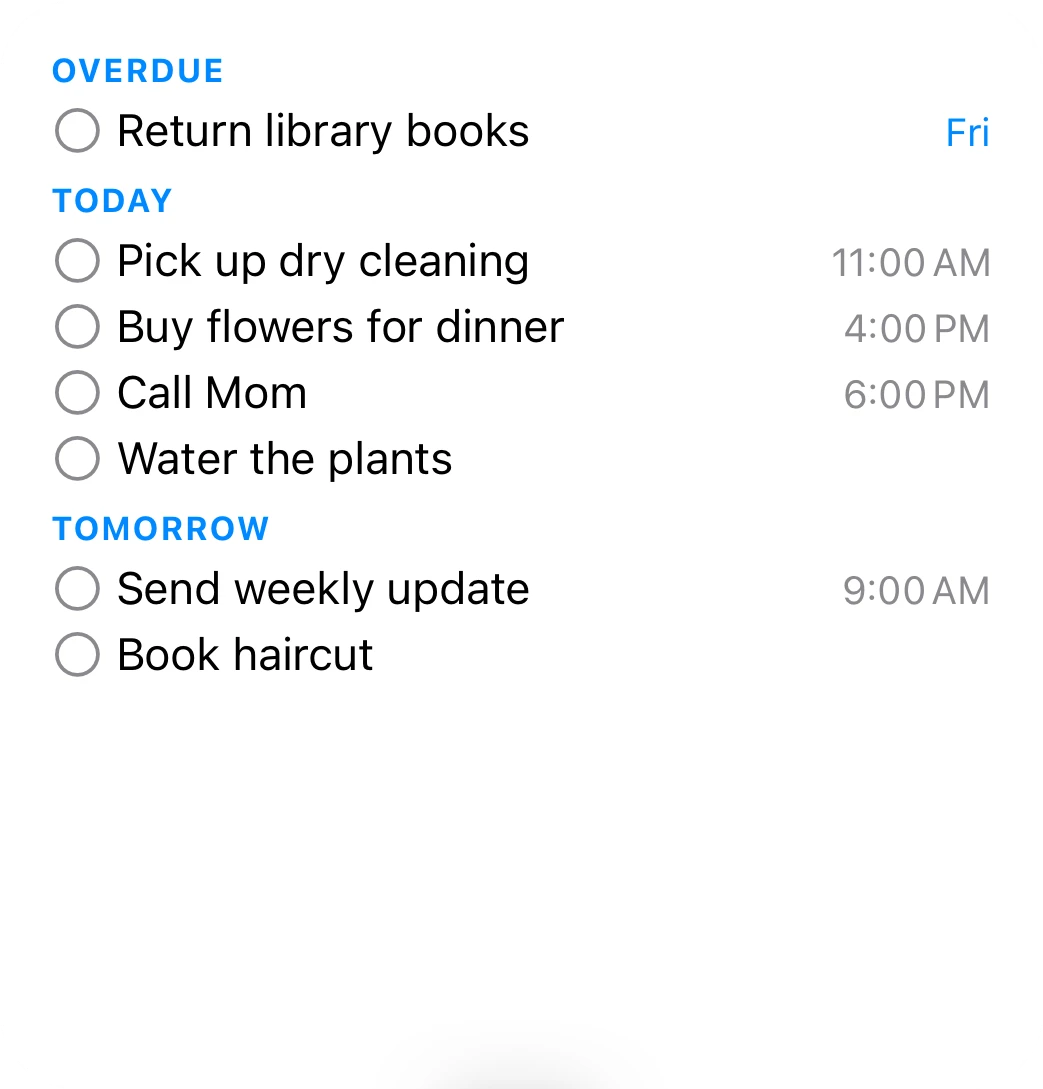
What's overdue and due today, from the lists you choose. Tick one off right on the widget.
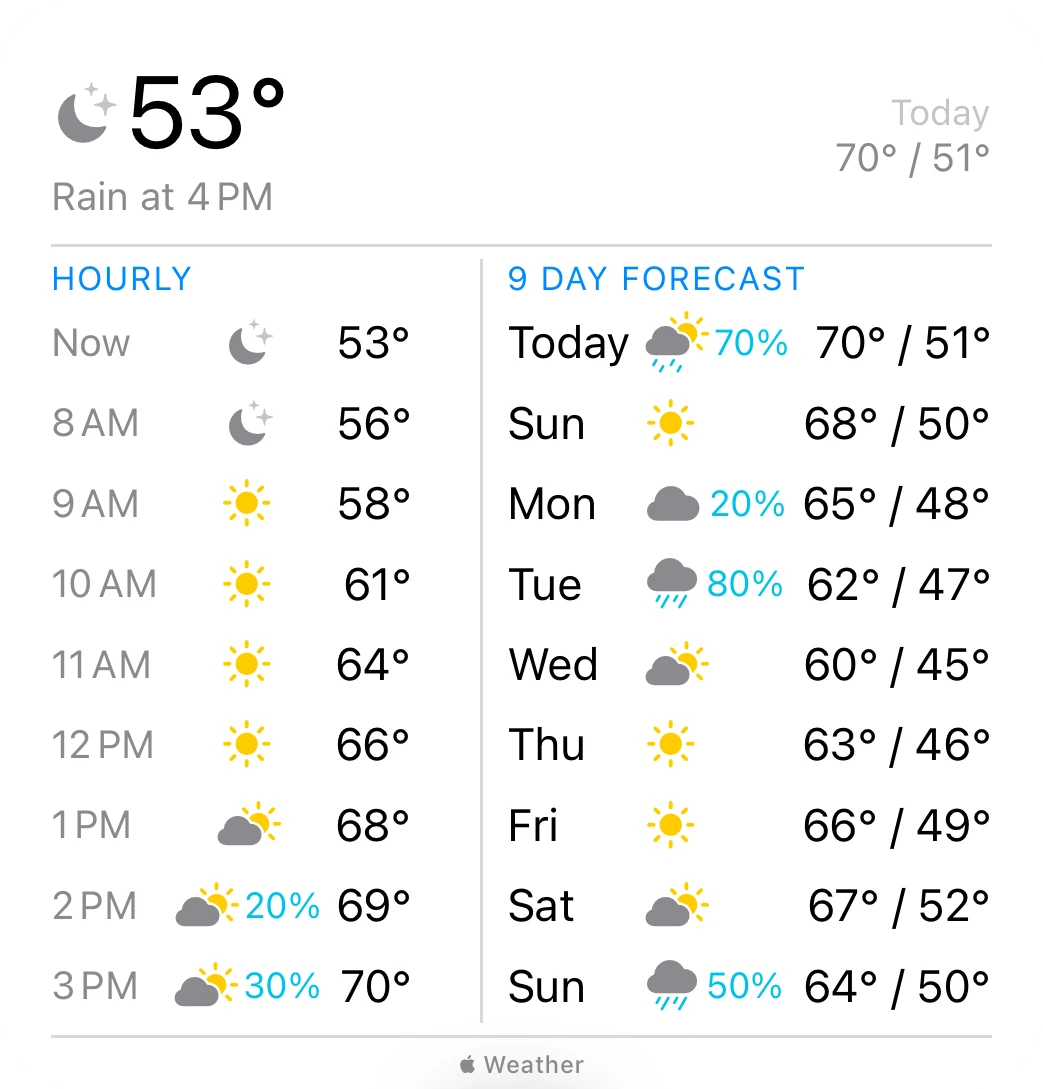
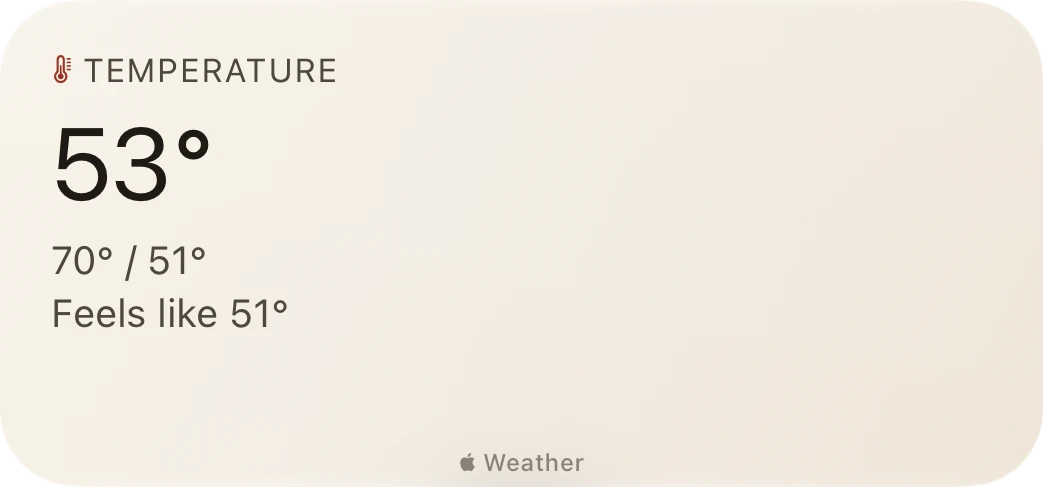
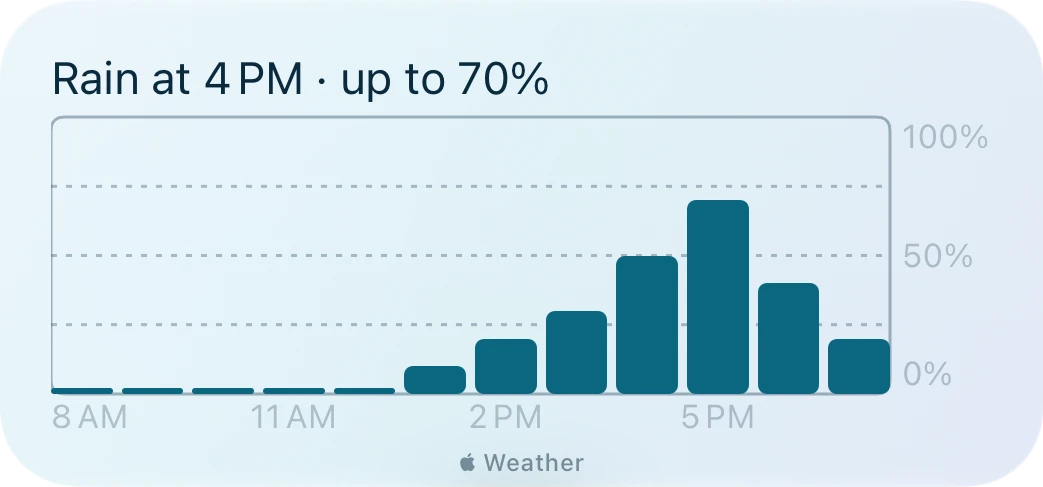
Now, the next hours, and the coming days in one widget. Or just the temperature, or when the rain starts.
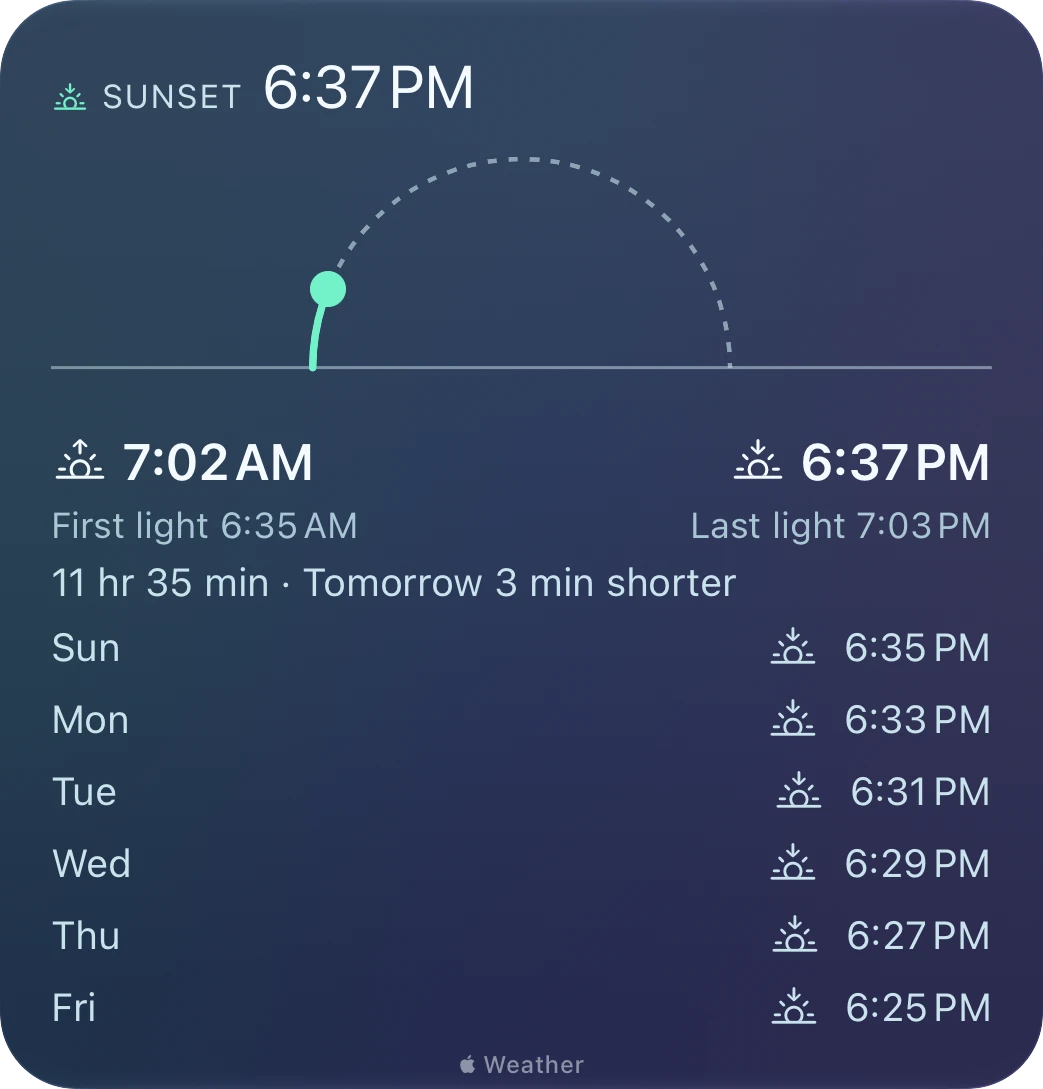
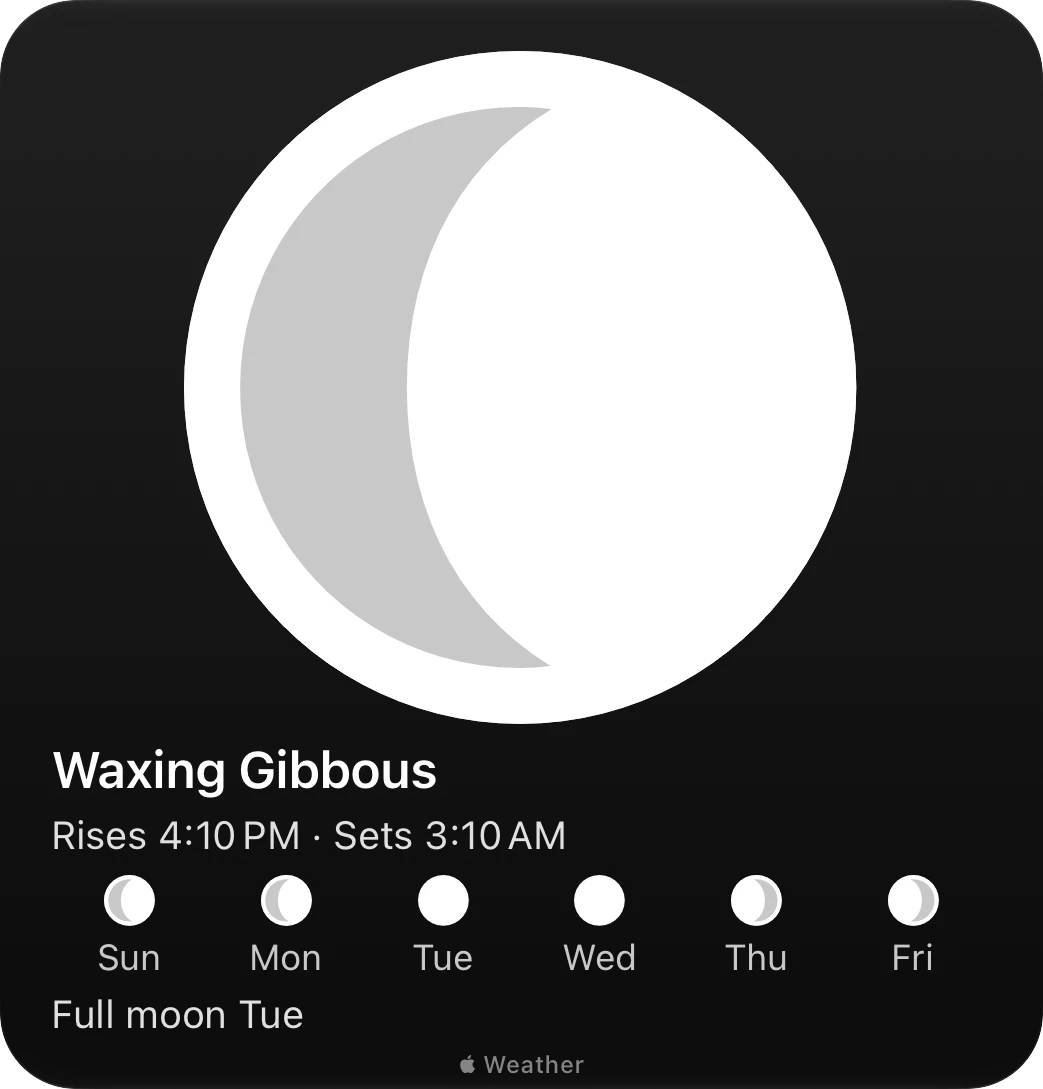
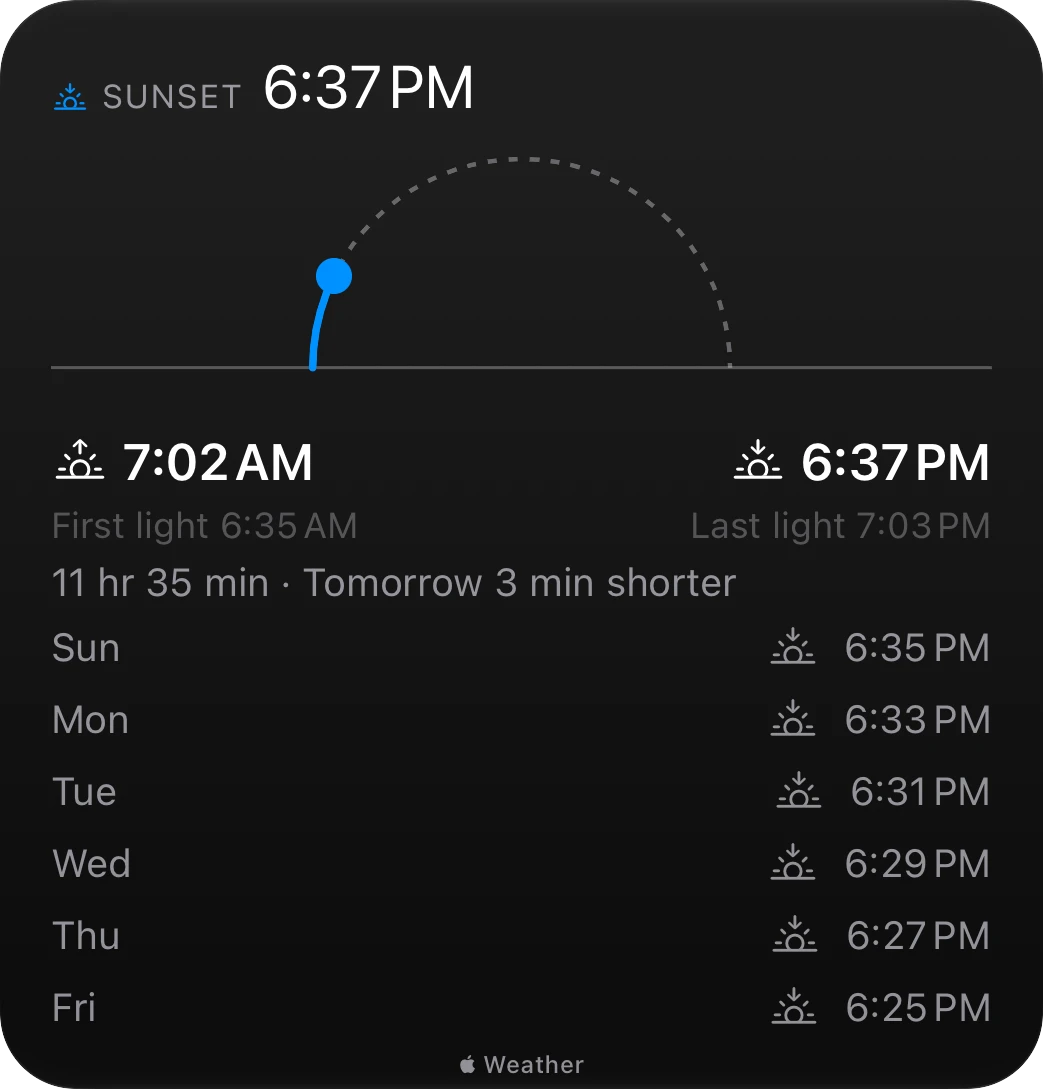
The sun on its arc with first and last light, and tonight's moon with the nights ahead.
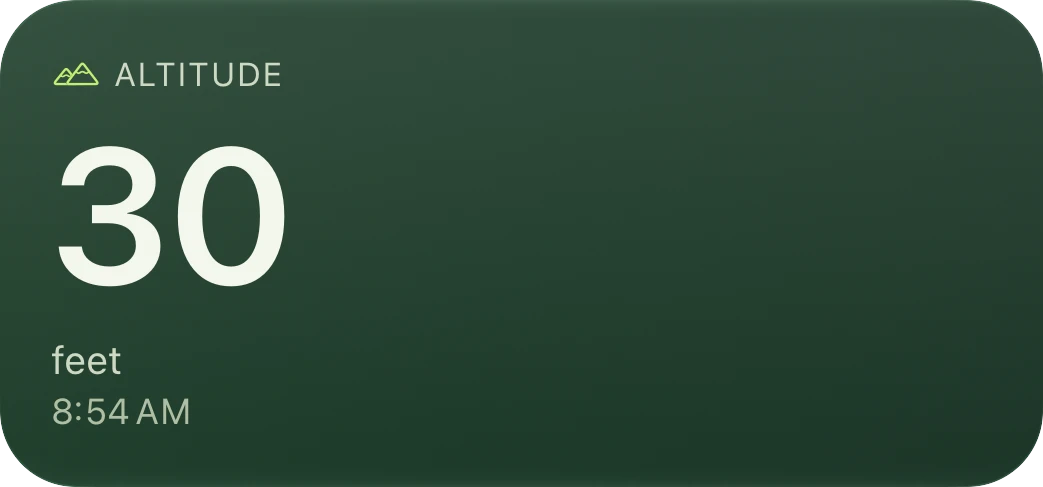
How high you are above sea level, from the location Mosaic already uses for the weather.
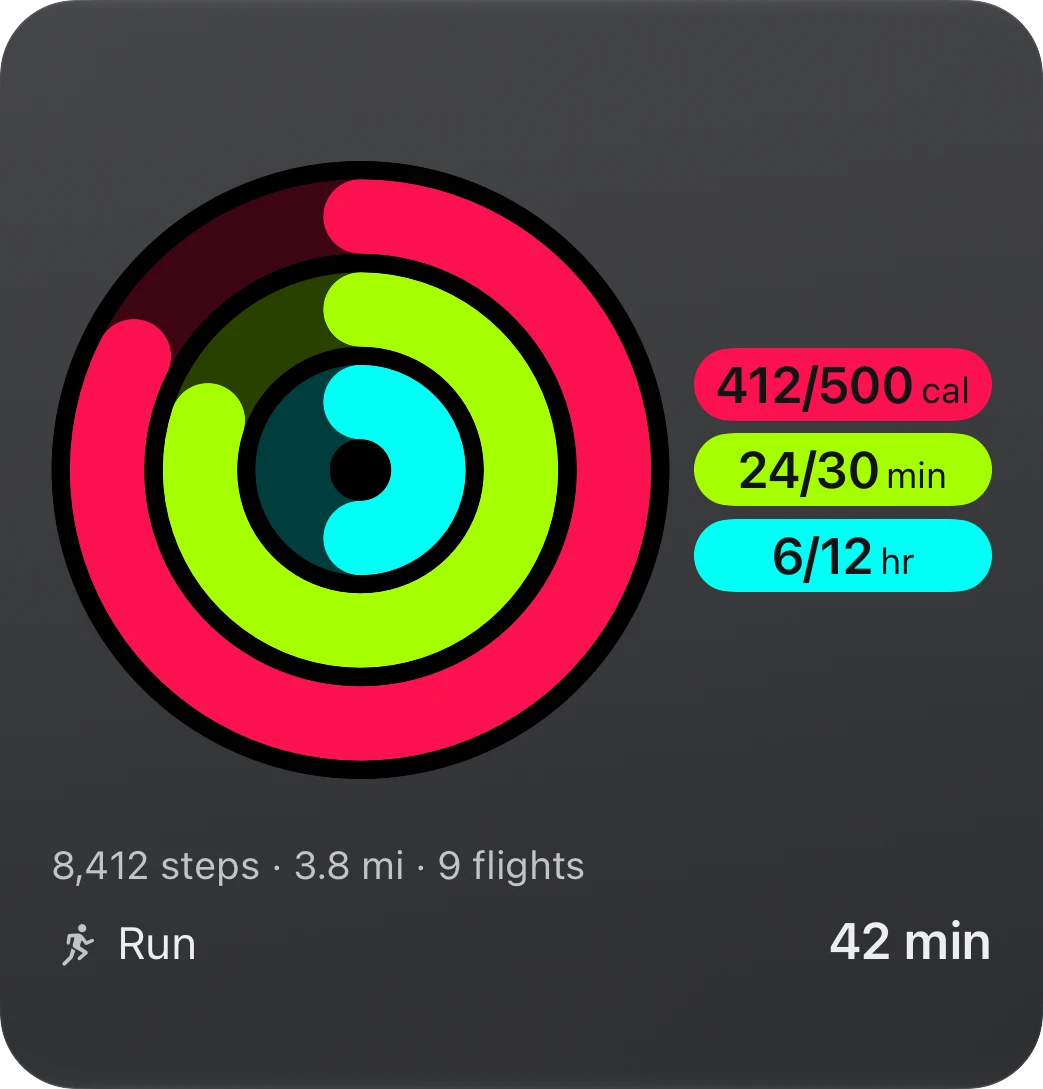
Your rings with their numbers, your steps with the distance and flights, and your workouts.
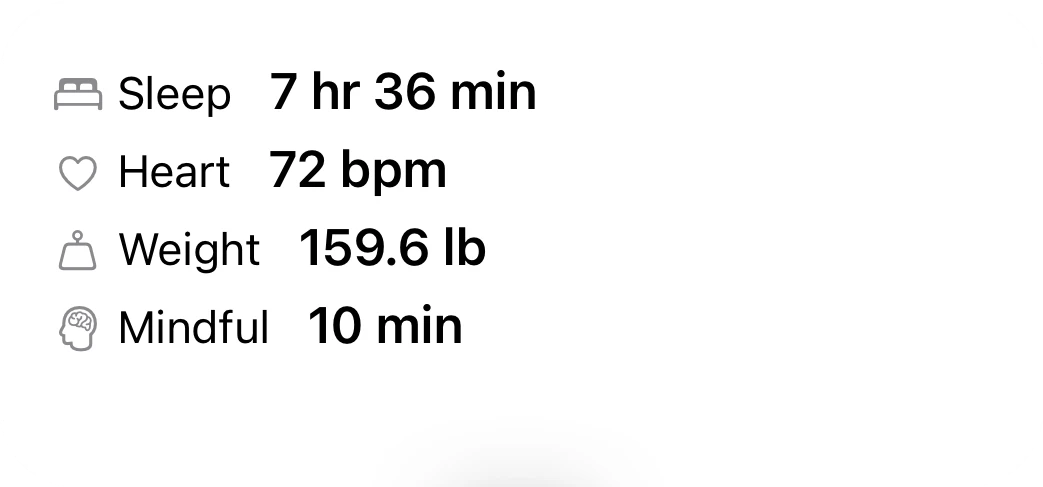
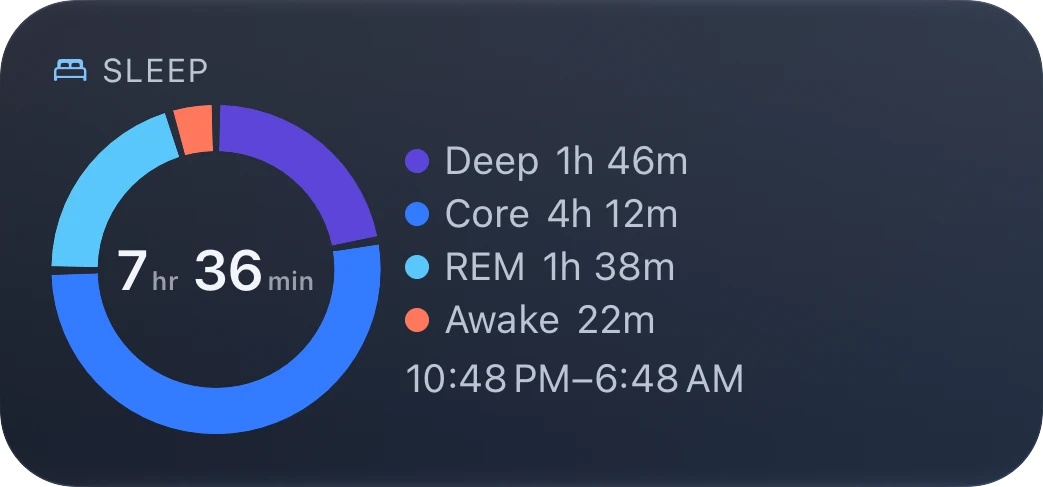
Sleep, heart rate, weight, and mindful minutes from Apple Health. Values and your own averages, never judgments.
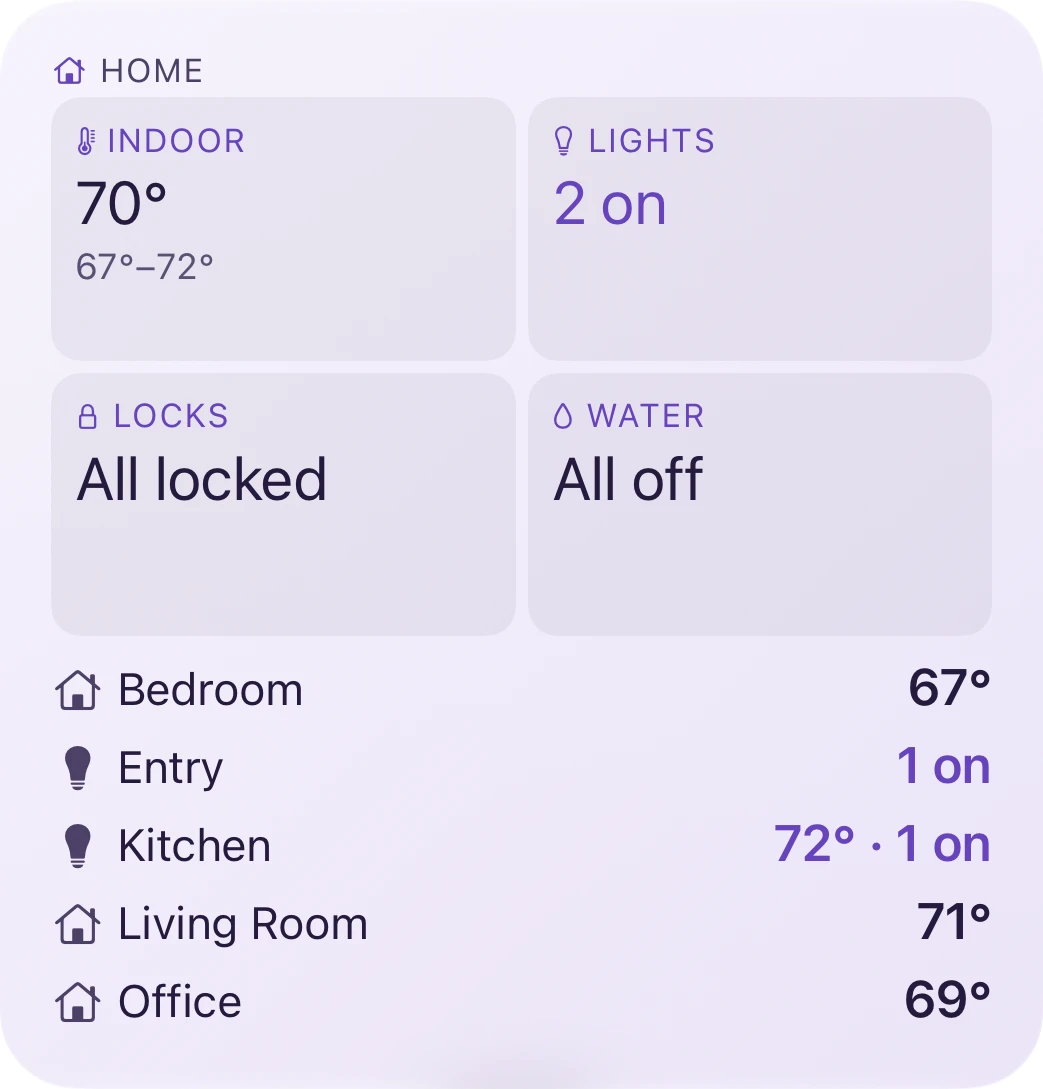
Every room's temperature, what's locked, which lights are on, and the water, as Mosaic last saw them.
Made to fit
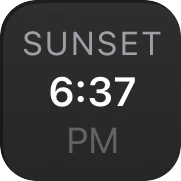
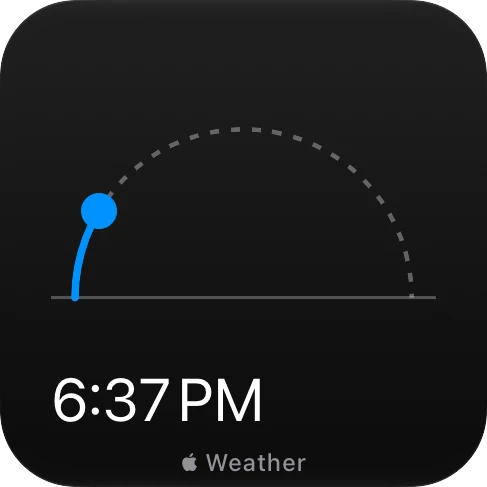
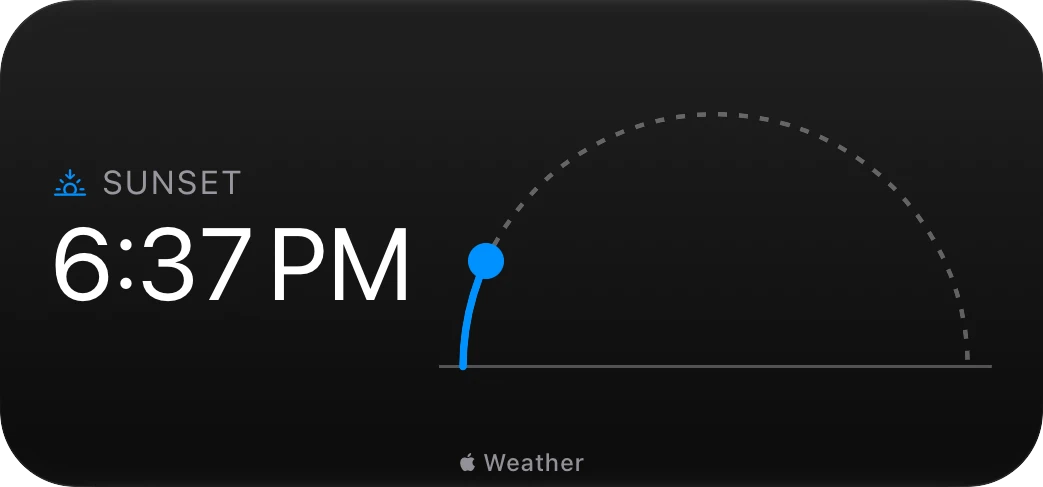
Mosaic's 28 elements draw 132 versions between them, and Mosaic picks the richest one its zone has room for. That's what lets one element share a widget with five others, or fill a widget on its own. Sunrise & Sunset in a tile tells you when; with the whole widget, it shows the sun on its arc, first and last light, and the week ahead.
Why Mosaic
Make any zone transparent and its content sits right on the widget, so an agenda or a forecast reads as one clean page.
Ten themes, each with a light and a dark look, and four fonts. Every theme is checked for legibility, and tinted and clear Home Screens still look right.
Tap the temperature to open Weather, or an event or the date to open Calendar on its day. Each element opens the app its data comes from.
Small, medium, large, and the new extra-large portrait size. On iPad, a Wide widget that spans the Home Screen. And a Focus filter, so a Work Focus can show only your work calendars.
Layouts
Each size comes in several layouts, 27 in all, and every layout's zones are numbered, so you know which one you're filling. Make any zone transparent to let its content use the whole space.
Themes
From a clean system look and high contrast to rich colors. Set one theme for every widget or give one widget its own, and choose the font apart from the theme.
Privacy
Your calendar, reminders, location, health data, and home stay on your device, and Mosaic changes nothing but a reminder you tick off.
Add Mosaic to your Home Screen, choose a layout, and fill it with the things you check together.
For iPhone and iPad with iOS 27. Questions? Get support.